

B1040 "Darren II" Membrane Switch Tester
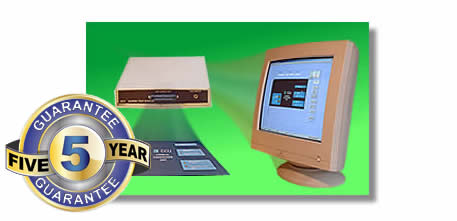
Introducing the B1040 "Darren II" Membrane Switch Tester
The B1040 "Darren II" is a Membrane tester used for testing all of your membrane switches, LEDs, keypad, keyboard and switch panel testing, designed with accuracy, ease of use, speed and quality in mind.
This replaces the B831 Darren that we have been making for many years. The Darren II replaces the PC card with a USB interface.
The Windows* software is user friendly using the standard interface that you are familiar with and is equipped with a Multilingual Interface. You can select your native (or desired) language in options.
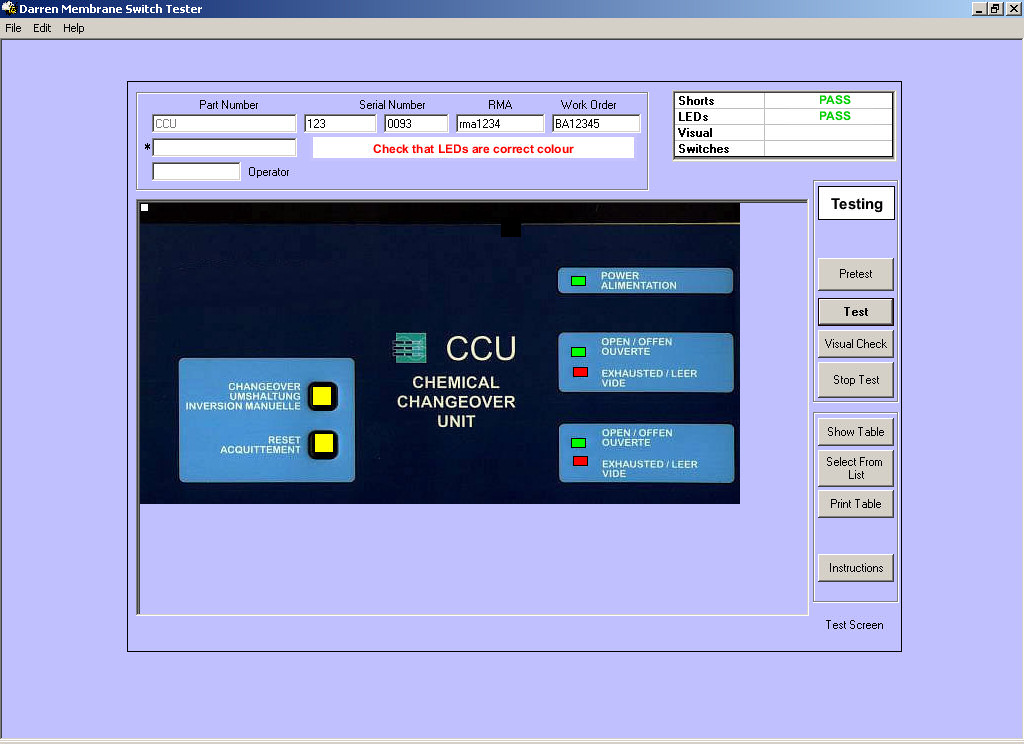
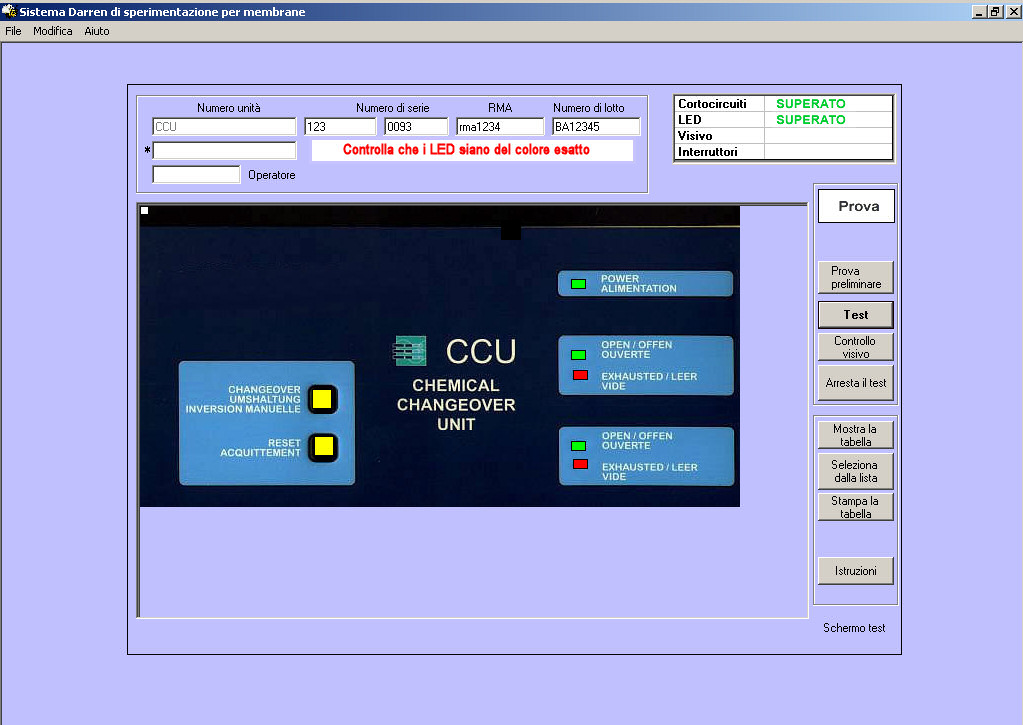
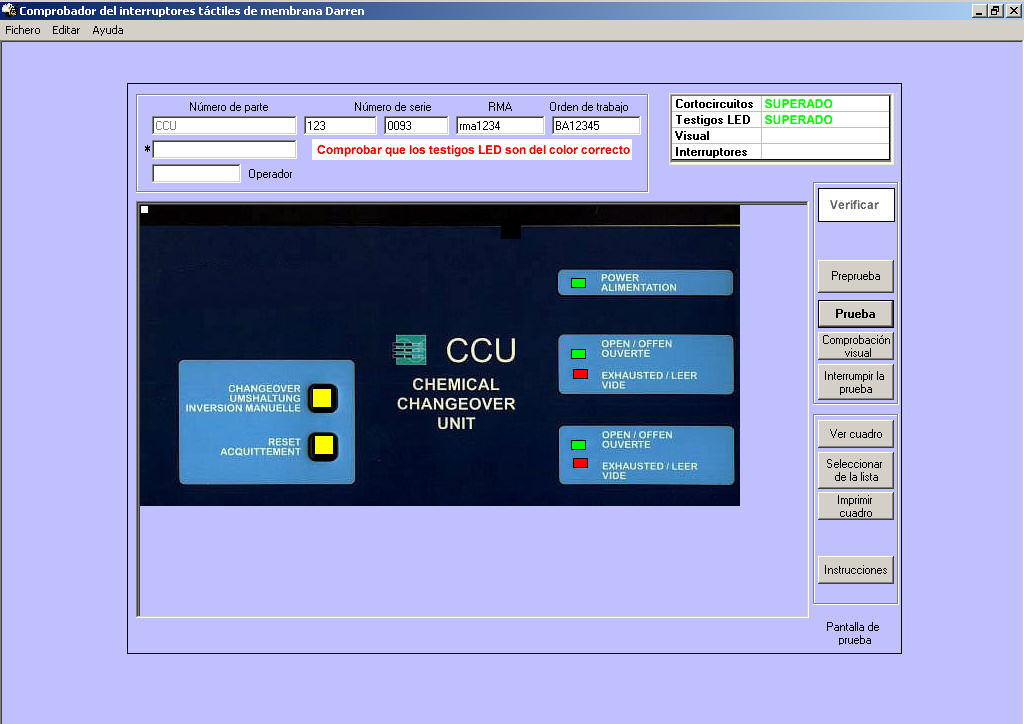
Test results are displayed clearly on the screen. You also have the option of displaying the results on a picture of your actual panel. This allows quick rework and feedback to production of the nature and position of the faults.
All results are stored in a standard database format allowing production and quality control to record test results and to analyse them for AQL.
- Measures switch resistance.
- Switches can be pressed in any order, meaning quicker test times.
- Checks LED operation and works out polarity automatically.
- LED's accidentally swapped can be identified easily.
- Picture of your actual product being tested displayed on screen.
- Check for stuck domes.
- Check for buttons shorted together.
- Check for Blocked air vents from switches causing one button to operate another.
- Quick and easy to install..
- Faults identified for rework.
- On screen indications and sounds for operator assistance.
- Printed test result sheets.
- Design and print custom labels including graphics and Barcodes.
- Saves results to a database for full tracability.
- Fast, accurate testing, saves you time and money
- Multilingual Interface
- Footswitch for hands free testing.
- Colour coded interface.
- Levels of Password protection for operator and users.
- USB interface.
What are the advantages?
Darren is faster, easier to set up and to test with.
You can test (press) the switches in any order you like.
There is no need to adjust switches or look at the screen all the time so you can concentrate on the panel that you are testing.
Darren makes different sounds depending on the test being carried out and the result.
Each new test can be started with a footswitch so testing is hands free except when there is a fault with the panel.
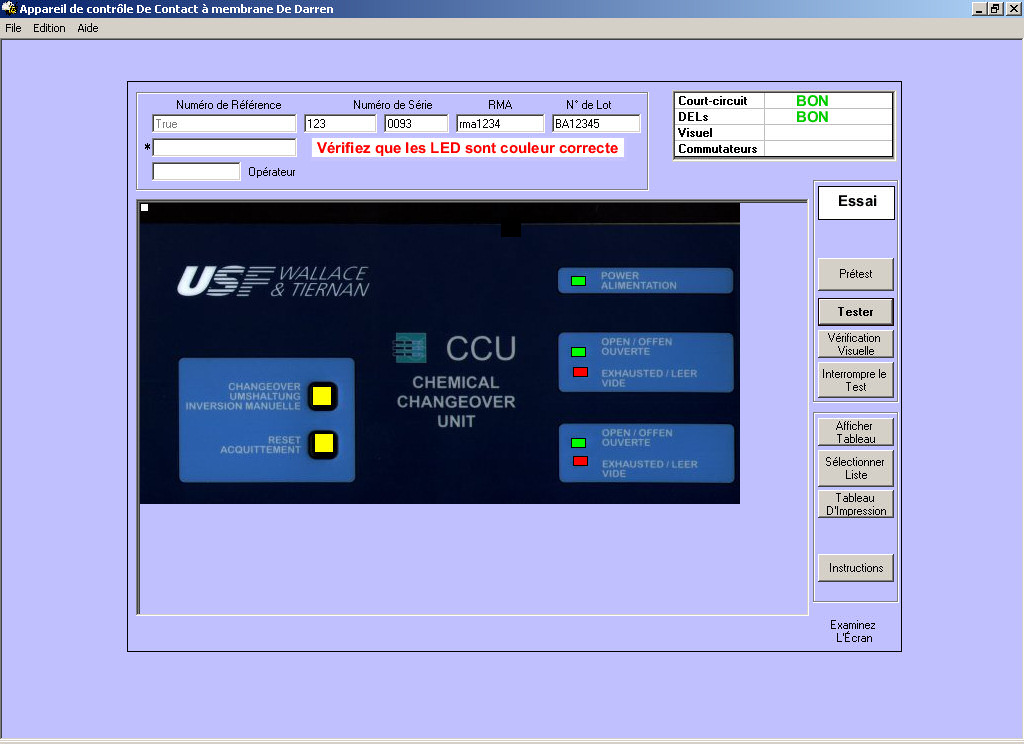
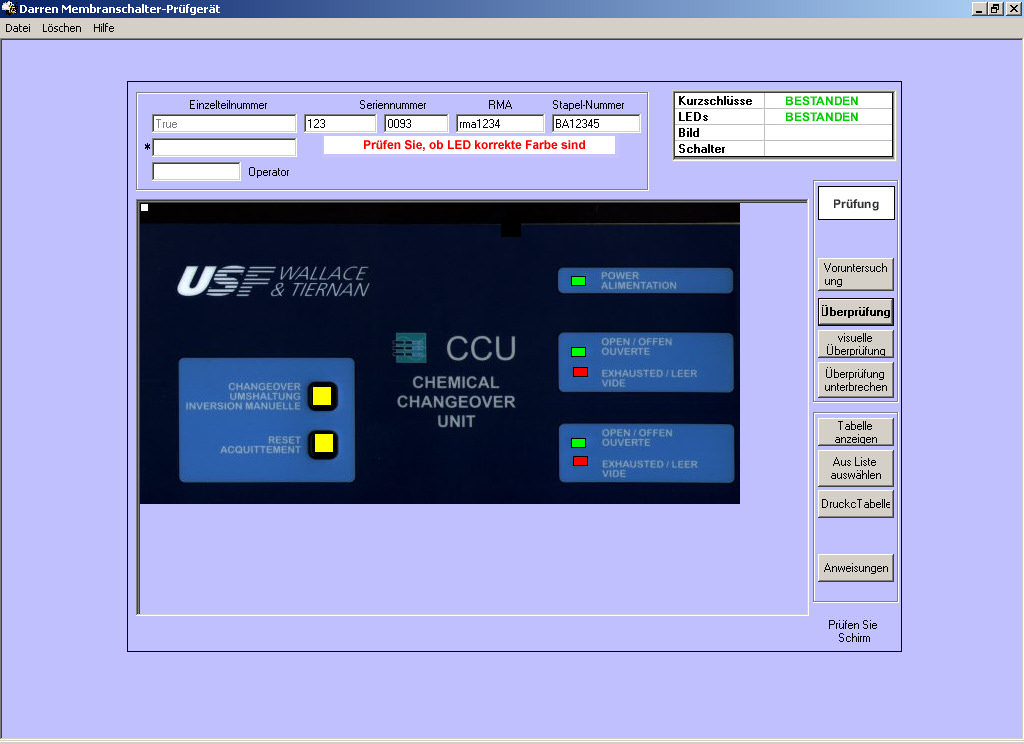
Multilingual Interface
When you have multinational staff it is important to provide them with comfortable conditions to work, a program interface of their native language can be very pleasant for them increasing their productivity and satisfaction.
The Darren membrane switch tester provides you with interface each user can adjust according to his own preferences. It currently supports the languages of English, French, German, Italian and Spanish. If your language isn't supported by the program yet please contact us.
 |
 |
 |
 |
 |
|
Why is it called Darren?
We designed a couple of wonderful testers for cables, harnesses and wiring looms, which we called Sharon and Tracy. If you make cables you should get in touch and ask to look at Sharon or Tracy.
We decided to give our next design a male name to balance things out.
Video of Darren Membrane Switch Tester in use
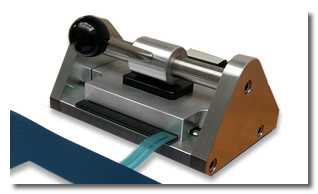
B831J - Membrane Switch Test Clamp Jig
Click Here To Learn More
Specification
 |
PC Platform: Windows 10,11 |
|
I/O lines: 32 / 64 Lines suitable for input, output or LED drive. |
|
Power supply: No external power required (uses Computer power supply) |
|
Accuracy: +/- 5% |
|
Resistance ranges: 0 to 1 K Ohms, 0 to 30K Ohms |
|
Insulation Check: >2M Ohms |
|
Calibration: Self-calibration via software. |
|
Connections: USB for connection to PC (on rear panel), 34 way IDC for connection to test jig (32 I/O Lines), (extra 34 way forr 64 connections) |
|
Footswitch: A socket is fitted for a footswitch (supplied), this can be used to advance through tests for hands free use. |
|
LED's: Only the maximum number of connections limits the maximum number of LED's driven. Maximum current 30mA |
|
Interface Adaptors: Supplied with 1 off B831-100, B831-105 and 1 off B831-110 |
|
Test voltage: 9 Volts |
|
PC interface: One USB connection. |
|
Software: Windows interface (future upgrades FREE), all data is stored in MS Access format |
|
Warranty: 1 year parts and labour |
|
Support: Lifetime free telephone support |
Click for a Free Quotation
Part No |
Description |
B1040 - 32 |
32 lines "Darren II" Membrane Switch Tester |
B1040 - 64 |
64 lines "Darren II" Membrane Switch Tester |
B831 - 100 |
2.54 mm pin Interface adaptor board |
B831 - 105 |
1.25 mm ZIF Interface adaptor board |
B831 - 110 |
1.0 mm ZIF Interface adaptor board |
B831 - 115 |
0.5 mm ZIF Interface adaptor board |
B831J * |
Membrane Tail Test Clamp Jig (Excl. Interface adaptor board) |
B831J - 300 |
Test Clamp 2.54 mm pin Interface adaptor board |
B831J - 305 |
Test Clamp 1.25 mm ZIF Interface adaptor board |
B831J - 310 |
Test Clamp 1.0 mm ZIF Interface adaptor board |
B831J - 315 |
Test Clamp 0.5 mm ZIF Interface adaptor board |
B831J - SET |
Set of four Interface adaptor boards 2.5mm, 1.25mm, 1.00mm and 0.5mm |
B831 - 500 |
Label Printer |
* Can be connected and used with other membrane test systems - (Please enquire for FREE interface convertor)
